ZIDY FOR RENTAL BUSINESSES
Less rental admin.
More ready to go.
Let customers choose dates, book available rentals and pay online. Keep confirmations, waivers, pickups and returns together in Zidy.
For bike and e-bike rentals, golf carts, trailers and the teams behind them.
ONE ZIDY. THROUGHOUT THE CUSTOMER JOURNEY.
From finding your shop
to coming back for more.
Rental discovery, a smoother pickup and the tools to keep your customers connected. See how the Zidy family fits around one bike rental.
Zidy · Rental discovery
A new rider finds your rental business.
Your Zidy marketplace profile introduces the shop and its rentals. Customers can also start on your own website. Both give them a clear path to your booking page.
Explore your marketplace profileCity bikes & e-bikes · Local pickup
Zidy Bookings + Zidy Pass
The customer books. Your team has the details.
With a live Zidy booking setup, Maya chooses two available e-bikes and pays. Each rider can reuse saved Pass details, review the shop’s waiver and sign. Your team sees payment and waiver readiness.
See customer self-bookingCoastline Bike Rentals
Zidy for Business · Your team’s workspace
One clear handoff. One connected shop.
The booking is ready in Zidy for Business. Your team checks the riders out, handles questions in Inbox and completes the return. An automatic review request follows the finished rental.
Try the shop’s booking workflowCoastline Bike Rentals · Zidy Inbox
Zidy CRM + SMS campaigns
The next invitation comes from your shop.
Choose past renters from your own marketing contacts and send a custom SMS offer. Answer the reply in Inbox, then share a booking link for your shop. Maya’s next visit stays with Coastline.
Explore the return-visit campaignCoastline’s marketing contact
Marketplace journey preview with fictional customers. This example uses a shop with Zidy Bookings; other profiles can link to their existing booking provider.
ONE RENTAL. EVERY NEXT STEP.
From the first question
to the next great review.
Follow Maya and a friend through an e-bike rental. Select a step, then open the product tour to try its booking records and tasks.
STEP 01 / 06
Answer the question that starts the ride.
Zidy AI can answer after-hours rental questions from your shop information. Customers can then choose dates and available bikes on your Zidy booking page. Your team can help when needed.
Explore the first inquirySTEP 02 / 06
They choose. They book. You’re in the loop.
Customers choose their dates and available bikes, then reserve and pay through your Zidy booking flow. The self-booked rental, payment and confirmation appear in Inbox.
Open the sample booking- 1
Choose dates & times
PickupSaturday · 10 AMReturnSaturday · 4 PM - 2
Select available bikes
2 × City e-bike$75 each · Sample rental$150 - 3
Complete the payment
Secure payment link$150 paid - 4
You’re booked.
Two bikes confirmed. Pickup details and the waiver link arrive in the conversation.
Confirmation sent to Maya
Illustrative self-booking flow · Sample prices · No booking or payment is made.
STEP 03 / 06
Get the group ready before they arrive.
Share the waiver link with each rider. See signatures arrive in Inbox, and keep pickup details close with scheduled reminders. Your team can spot what is still missing.
View the sample waiversSTEP 04 / 06
Ready when the riders arrive.
Check payment and waivers, then complete pickup. Both bikes are checked out, with the return time in the customer conversation.
Try the pickupSTEP 05 / 06
Bikes back. Booking complete.
Confirm both bikes are back and complete the return. The booking is closed, ready for the review follow-up.
Try the returnSTEP 06 / 06
Let a great ride lead to the next visit.
The bikes are back. An automatic review request keeps the customer connection going. Booking details and messages remain close when the customer gets in touch again.
See the review stepIllustrative Zidy workflow with fictional customers and amounts. These steps belong to Zidy Bookings, Payments and Reviews.
OPEN TODAY. KNOW WHAT’S NEXT.
More clarity at the counter.
Select a booking to see the next action. Payments, waivers and return details stay close to the customer conversation.
Everything is ready for the handoff.
The payment is received and both riders have signed. Open the booking and move through pickup when the group arrives.
See the missing step before pickup.
The reservation is paid, but the rider has not signed yet. Keep the waiver link with the conversation and check the signed document when it arrives.
Keep the remaining balance in view.
A $50 deposit is recorded against the $150 rental. Your team can see the $100 still due and share the payment request in the conversation.
Know which return needs a follow-up.
Today flags the overdue rental. Message the customer, coordinate the return and move the booking forward when the bike is back.
INVENTORY AT A GLANCE
Know what’s available.
For inventory managed in Zidy Bookings.
KEEP THE WEBSITE YOUR CUSTOMERS KNOW
Your website.
Their next booking.
Link your website to your Zidy booking page. Customers select dates and available items, reserve, then complete payment. Your team follows the booking in Inbox.
- 01
Set up your rentals.
Add the items and availability you manage in Zidy Bookings.
- 02
Share your booking page.
Link to it from your current website or a customer conversation.
- 03
Keep the next steps connected.
Follow reservations, payment requests, waivers, pickup and return in Zidy.
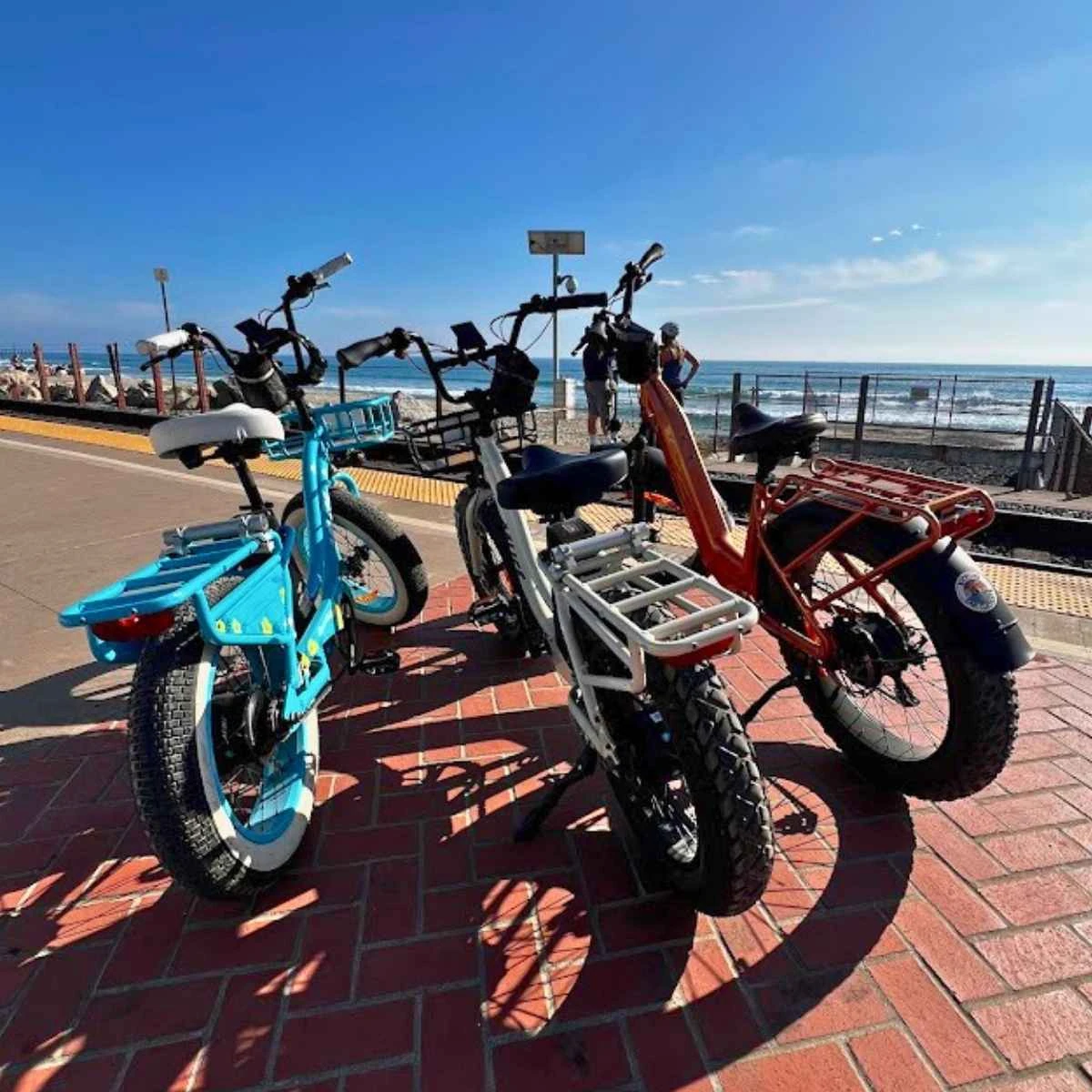
BICYCLES SAN CLEMENTE · ZIDY CUSTOMER
A booking.
A payment.
A reason to return.
Bicycles San Clemente uses Zidy bookings with automatic payments and automatic review requests. One connected customer experience, from the reservation to the follow-up.
Explore their workflowYOUR BUSINESS GOES WITH YOU
Away from the desk.
Still in the conversation.
Read the rental question, check the booking and reply from your business number. The Zidy business app keeps owners connected throughout the day.
A FEW THINGS TO KNOW
Good questions. Clear answers.
Can I keep my current website?+
Yes. Link customers from your existing website to your Zidy booking page. You can also share the booking link in a customer message.
Does Zidy handle group waivers?+
Yes. Share the waiver link with the group. Each rider enters their own information and reviews and signs the shop’s agreement. Your team can see signed-waiver events and the completed records.
Can I take a deposit instead of full payment?+
Zidy supports booking payment requests, recorded deposits and remaining balances. Your booking setup determines the payment arrangement, and the conversation keeps the status visible.
Will Zidy sync inventory with my current rental software?+
Zidy Bookings manages availability for inventory in Zidy. If you use another provider, discuss the available connection and its scope with the team before relying on shared availability.
Do I have to join the marketplace to use paid rental software?+
No. The paid business platform also serves customers who come through your own website, number and social channels. Free profile claiming and consumer discovery initially focus on bikes, e-bikes and scooters. Paid business tools also support golf-cart and trailer rental teams.
YOUR BUSINESS. YOUR NEXT CHAPTER.
See your rental day in Zidy.
Bring your booking process. We’ll walk through the customer questions, payments, waivers and handoffs that matter to your team.